

ವಿವರಣೆ
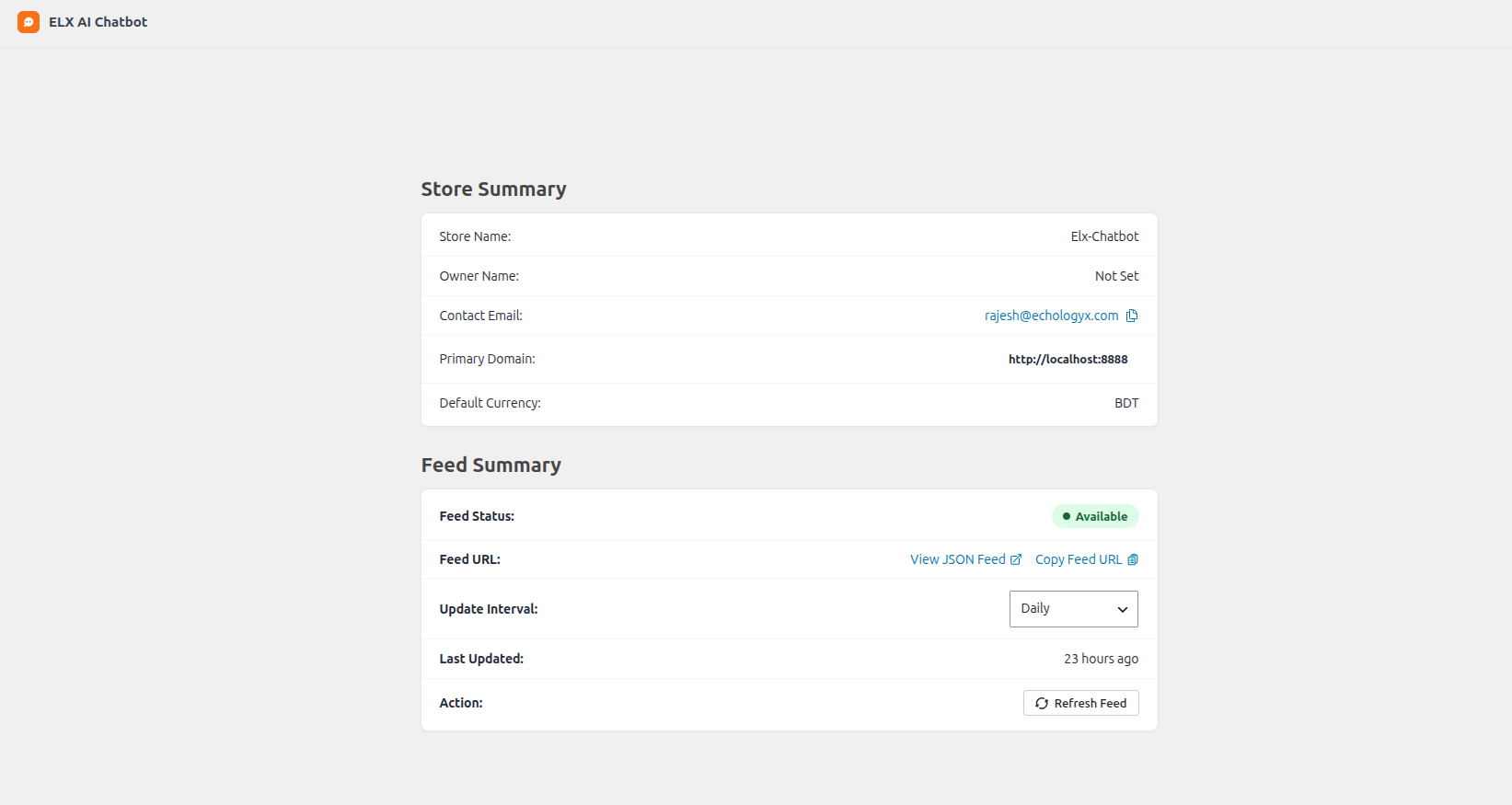
ELX Chatbot connects your WooCommerce store to the ELX Chatbot service. Once linked, you can sync your product catalogue as a JSON feed, expose order data over a secure REST endpoint, and verify ownership of your store from a single settings page.
Features:
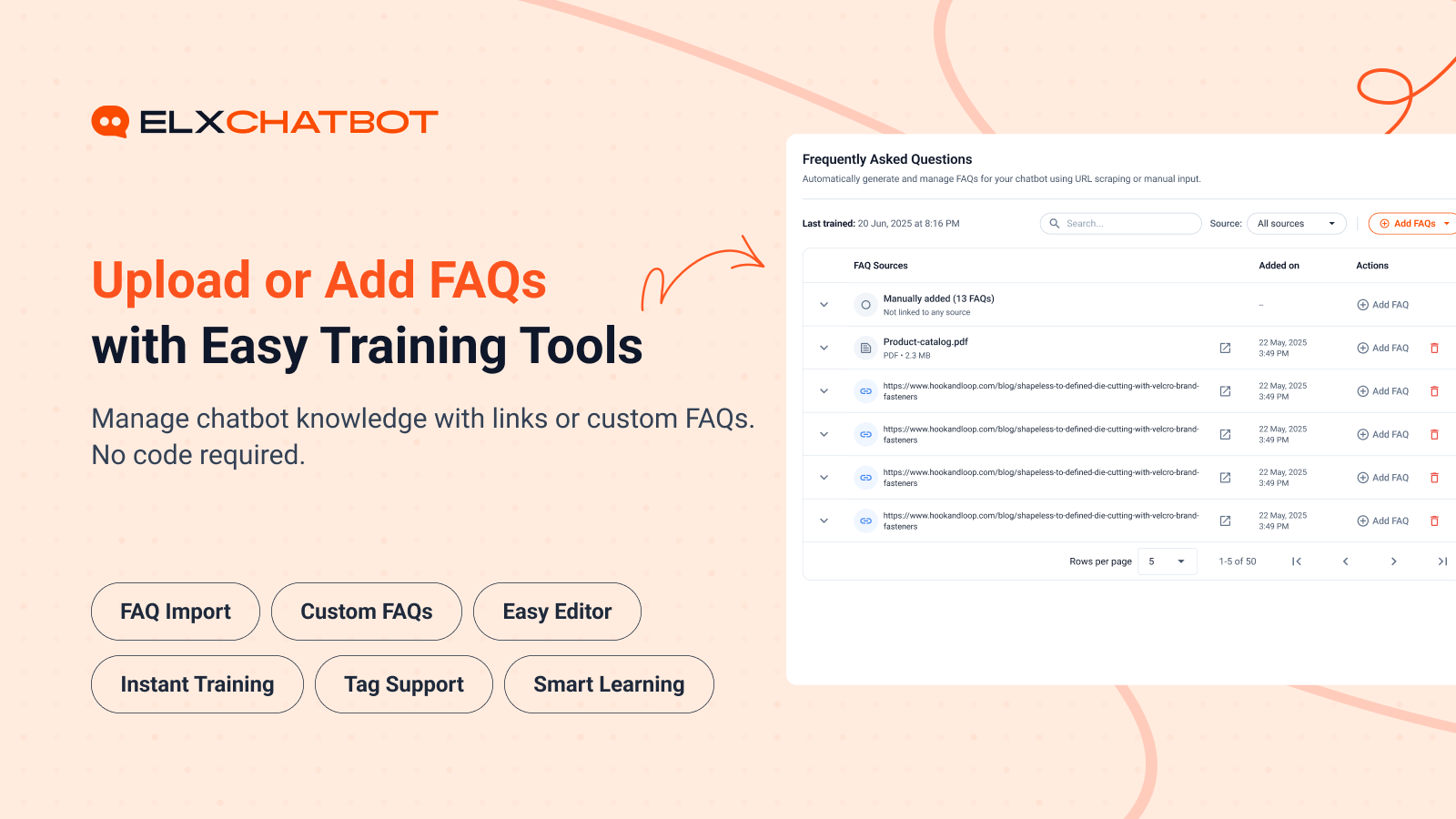
- One-click store verification using a secret key.
- Automatic product feed generation in JSON format.
- Scheduled feed refresh (hourly, daily, weekly, monthly).
- REST API endpoints secured with JWT authentication for products and order lookup.
- WooCommerce-native product and variation handling.
How to use
- Install and activate the plugin.
- Go to Tools > ELX AI Chatbot in your WordPress admin.
- Enter your ELX Chatbot secret key and click Connect & Verify.
- Once connected, your product feed will be generated automatically.
- Configure feed refresh interval and product batch size from the settings page.
Feedback
Did you like this plugin? Dislike it? Have a feature request? Please share your feedback with us at support@elxchatbot.ai.
Third-Party Services
This plugin communicates with the following external services:
-
ELX Chatbot API (elxchatbot.ai)
- Purpose: Register your store, sync product feed data, and enable chatbot functionality.
- Data sent: Store URL, domain name, site name, WooCommerce currency, secret key.
- When: When you connect your store via the settings page and during feed generation.
- Privacy Policy: https://www.elxchatbot.ai/privacy-policy
- Terms of Service: https://www.elxchatbot.ai/terms-and-conditions
- Cookies Policy: https://www.elxchatbot.ai/cookies-policy
- Data Deletion: https://www.elxchatbot.ai/data-deletion-instructions
-
ELX Chatbot Frontend Script (CDN)
- Purpose: Load the chatbot user interface on your storefront.
- Data sent: Bot ID (anonymized identifier for your store).
- When: On every frontend page load when the chatbot is active.
- Privacy Policy: https://www.elxchatbot.ai/privacy-policy
- Terms of Service: https://www.elxchatbot.ai/terms-and-conditions
- Cookies Policy: https://www.elxchatbot.ai/cookies-policy
- Data Deletion: https://www.elxchatbot.ai/data-deletion-instructions
ಸ್ಕ್ರೀನ್ಶಾಟ್ಗಳು
ಸ್ಥಾಪನೆ
Download & Upload:
- Download the ELX Chatbot plugin (.zip file)
- In your admin area, go to the Plugins menu and click on Add New
- Click on Upload Plugin and choose the
elx-chatbot.zipfile and click on Install Now - Activate the plugin and Enjoy!
Manually:
- Download and upload the ELX Chatbot plugin to the
/wp-content/plugins/directory - Activate the plugin through the Plugins menu in WordPress
FAQ
-
Do I need to setup anything?
-
Yes. After activation, open the ELX Chatbot settings page under Tools > ELX AI Chatbot, paste the secret key provided by ELX Chatbot, and click “Connect & Verify”.
-
Does it work with any WordPress theme?
-
Yes, it will work with any standard WordPress theme.
-
Does this plugin require WooCommerce?
-
Yes. ELX Chatbot is a WooCommerce connector and requires WooCommerce to be installed and active.
You can post your questions on the support forum here
ವಿಮರ್ಶೆಗಳು
ಈ ಪ್ಲಗಿನ್ಗೆ ಯಾವುದೇ ವಿಮರ್ಶೆಗಳಿಲ್ಲ.
ಕೊಡುಗೆದಾರರು & ಡೆವಲಪರ್ಗಳು
“ELX Chatbot” ಓಪನ್ ಸೋರ್ಸ್ ಸಾಫ್ಟ್ವೇರ್ ಆಗಿದೆ. ಕೆಳಗಿನ ಜನರು ಈ ಪ್ಲಗಿನ್ಗೆ ಕೊಡುಗೆ ನೀಡಿದ್ದಾರೆ.
ಕೊಡುಗೆದಾರರು
“ELX Chatbot” ಅನ್ನು ನಿಮ್ಮ ಭಾಷೆಗೆ ಅನುವಾದಿಸಿ.
ಅಭಿವೃದ್ಧಿಯಲ್ಲಿ ಆಸಕ್ತಿ ಇದೆಯೇ?
ಕೋಡ್ ಬ್ರೌಸ್ ಮಾಡಿ, SVN ರೆಪೊಸಿಟರಿ ಪರಿಶೀಲಿಸಿ, ಅಥವಾ ಅಭಿವೃದ್ಧಿ ಲಾಗ್ ಗೆ RSS ಚಂದಾದಾರರಾಗಿ.
Changelog
1.0.0
- Initial release.